
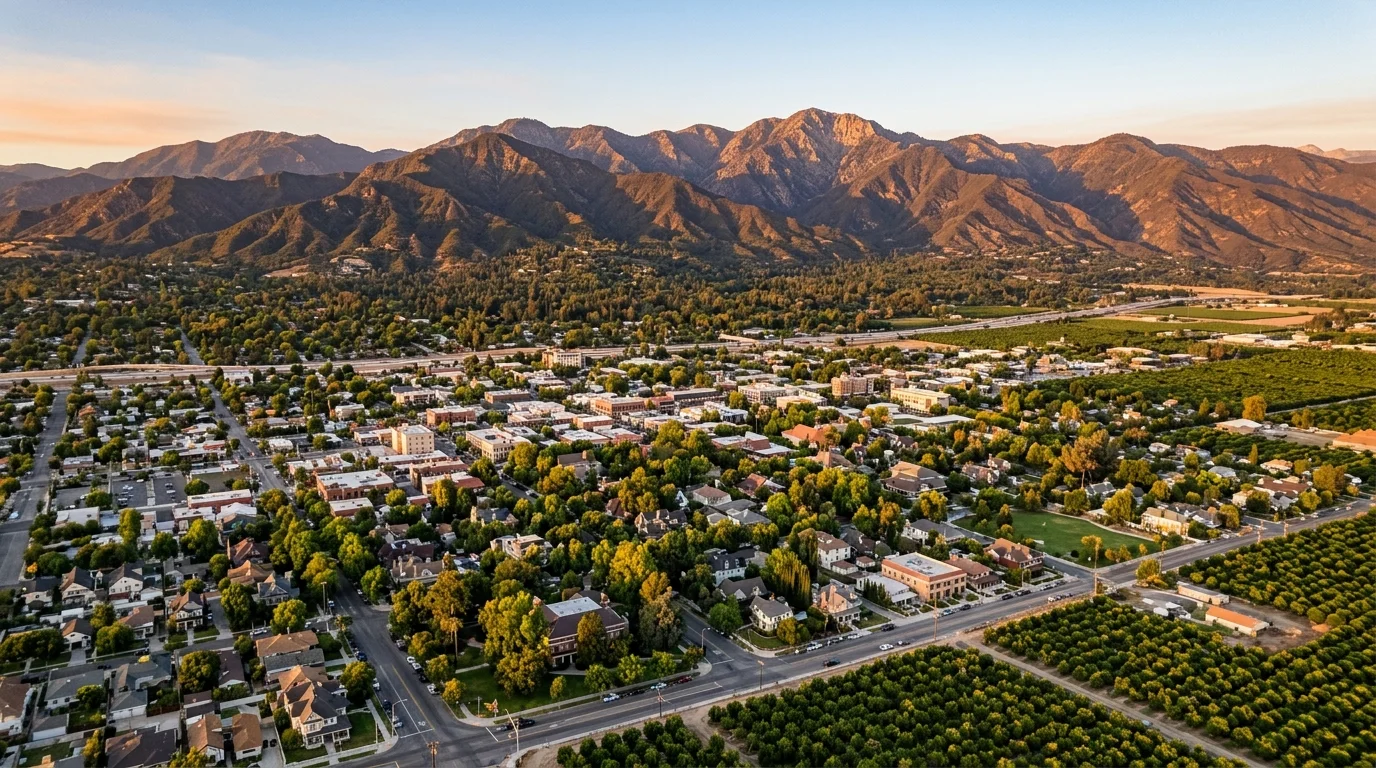
Network Security for Redlands Businesses — Engineered for the Inland Empire's Most Tech-Savvy City
Redlands is home to Esri's global headquarters, the University of Redlands, and a business community that knows the difference between real security and checkbox IT. From the tech campus to historic State Street, our team builds and monitors networks that meet the standards this city expects — with 15-minute average response times.
Network Security for Redlands's Business Community
Redlands is unlike any other city in the Inland Empire. Esri's global headquarters employs thousands and creates a secondary ecosystem of geospatial consultants, data analysts, and software developers with unusually high IT expectations. The University of Redlands anchors a corridor of educational organizations and student-serving businesses handling data subject to FERPA and other regulations. Redlands Community Hospital on Terracina Boulevard supports a cluster of medical specialists and clinics managing patient records under HIPAA. And historic downtown State Street is lined with law firms, financial advisors, and boutiques operating from century-old buildings that were never designed for modern networking. The common thread is that Redlands businesses expect their IT to be as sophisticated as the community they serve.
The threats here match the sophistication of the city. Tech companies and GIS consultants in the Esri ecosystem handle intellectual property, large datasets, and client deliverables that represent significant competitive value. University-adjacent businesses process student records, research data, and educational content under federal protection requirements. Medical practices along Terracina exchange patient data between providers on connections with inconsistent encryption standards. Downtown professional firms handle client financial records and legal documents on networks inside historic buildings where thick plaster walls block wireless signals and limited cable pathways force compromises in network design. Each of these environments requires network security that matches the specific risk — not a one-size-fits-all approach.
Network security in Redlands means engineering solutions that meet the expectations of a tech-literate community — proper segmentation designed for the actual data flows, not a template. Wireless security that works inside century-old construction. Compliance-aligned architecture for healthcare, education, and professional services. And a team that can have a real conversation about VLANs, zero-trust principles, and threat detection without reading from a script. We've been doing this across the Inland Empire for 30 years.
Network security and support services in Redlands, CA provide businesses with secure, reliable network infrastructure. Services include network design, 24/7 monitoring, firewall management, network segmentation, and wireless security. Southwest Networks delivers managed network support with 15-minute response times to Redlands businesses across zip codes 92373-92374.
Redlands Neighborhoods We Serve
Why Redlands Businesses Need Managed Network Security — Not Just a Firewall
Redlands' tech-savvy business community expects networks built with precision, not default settings. GIS consultancies handle massive geospatial datasets that need dedicated bandwidth and segmented access. University-adjacent organizations manage student data that requires FERPA-compliant network controls. Medical practices on Terracina need patient systems isolated from office Wi-Fi. Law firms in historic State Street buildings work around infrastructure that predates modern networking. A firewall installed and forgotten can't handle this kind of diversity. Managed network security means continuous firewall management, VLAN segmentation, bandwidth optimization, and 24/7 monitoring — designed to the standard Redlands expects.
of small business breaches involve a network component — misconfigured firewalls, unpatched switches, or unsecured Wi-Fi
Source: Ponemon Institute
Why Redlands Businesses Need Network Security
The Esri Effect: Tech-Savvy Businesses Demand Real Security
Redlands' tech ecosystem — shaped by Esri's presence — creates a business community where staff and owners often have above-average technical knowledge. They notice when network security is shallow or generic. GIS consultants, software developers, and data analysts need networks designed for high-bandwidth workloads, large dataset transfers, and secure client deliverables. The standard SMB firewall-and-antivirus package doesn't pass muster here. Network security for these businesses needs to include advanced segmentation, encrypted storage architectures, and monitoring that detects sophisticated threats.
Historic Building Construction Challenging Wireless Security
Downtown Redlands' State Street is full of beautifully restored buildings from the early 1900s — thick plaster-and-lath walls, minimal cable pathways, and no ceiling space for traditional access point installations. Standard wireless deployments fail in these structures, creating dead zones, signal bleed between floors, and coverage gaps that force devices to reconnect on rogue or insecure access points. Securing wireless in these buildings requires professional site surveys, enterprise access points with directional antennas, and creative mounting solutions that deliver full coverage without damaging historic architecture.
University-Adjacent Data Protection Requirements
Businesses near the University of Redlands — tutoring centers, student housing companies, research affiliates, and campus-adjacent service providers — often handle student data, educational records, or research information subject to FERPA and other federal regulations. Many of these organizations don't realize they fall under these requirements until an audit reveals the gaps. Network segmentation, encrypted storage, access controls, and audit logging aren't optional for organizations handling educational data — they're regulatory requirements with real penalties for non-compliance.
What's Included in Our Network Security for Redlands
Secure Network Design
Purpose-built network architecture with proper segmentation, VLANs, and access controls — designed for both performance and security from the ground up.
Managed Switches & Routers
Enterprise-grade managed switches and routers configured, monitored, and maintained by our team — no consumer-grade equipment holding your business back.
Wireless Access Points
Business-class WiFi with seamless coverage, guest isolation, and centralized management — no more dead zones or dropped connections.
Network Segmentation
Your network divided into secure zones so guest traffic, IoT devices, and sensitive data never mix. A breach in one zone stays contained.
VPN & Remote Access
Secure VPN connections for your remote and hybrid team, so they can access company resources safely from anywhere without exposing your network.
24/7 Monitoring & Optimization
Round-the-clock network monitoring that catches issues before they cause downtime, with ongoing performance tuning to keep everything running at peak speed.
Real Threats Redlands Businesses Face — and How We Handle Them
A geospatial consulting firm in the Esri ecosystem transfers multi-gigabyte datasets to clients on tight deadlines, but the network has no segmentation between production workstations, general office systems, and the development environment. Backup traffic competes with large file transfers on the same network, creating a situation where backups may silently fail for months because there's no bandwidth or monitoring to catch it.
We deploy dedicated VLANs for production workstations, development systems, and general office operations. A high-throughput backbone handles large dataset transfers without degrading other network functions, QoS policies prioritize backup traffic during off-hours, and an encrypted cloud backup solution with verification alerting ensures every backup completes successfully. Client data storage is segmented from general systems with access controls limiting who can reach deliverables. The firm meets client security requirements for data handling and never misses a backup.
A medical practice near Redlands Community Hospital on Terracina Boulevard shares patient records with specialists using unencrypted email attachments. The internal network has no segmentation — clinical workstations, front desk computers, and the staff Wi-Fi all share one flat subnet. If asked during a compliance review, the practice cannot demonstrate any of the HIPAA technical safeguards for network security.
We deploy segmented VLANs for clinical systems, patient-facing devices, administrative operations, and general internet access. A HIPAA-compliant secure messaging platform with audit logging replaces unencrypted email, role-based access controls limit each staff member to the systems their job requires, and encrypted VPN connections secure data exchange with referring providers. 24/7 monitoring and full infrastructure documentation keep the practice in continuous HIPAA compliance.
A downtown Redlands law firm operating from a restored 1920s building on State Street has chronic wireless issues — dropped connections in the conference room, dead zones in the back offices, and coverage gaps that send attorney laptops searching for neighboring networks. Consumer access points can't penetrate the thick plaster walls, and the network has no segmentation between attorney workstations, the guest conference room Wi-Fi, and the server storing client case files.
We perform a professional wireless site survey mapping signal propagation through the building's historic construction and deploy enterprise access points with directional antennas, positioned to overcome wall density without damaging historic features. The network gets segmented into attorney workstations with access to case file servers, administrative systems with limited access, and a fully isolated guest network for the conference room. Dead zones disappear, connection drops stop, and client files become completely inaccessible from the guest network.
Three Steps to IT Confidence
Free IT Security Assessment
Take our free security scorecard. Answer a few questions and get an instant score with your top gaps — no IT knowledge required.
Take the Free Assessment →Free 15-Minute Call With Matt
A peer-level conversation with a certified expert, not a salesperson.
Book Your Call →Get Your IT Roadmap
Written findings and specific recommendations built for your business.
What's at Stake for Redlands Businesses
- ✓ A properly segmented network that keeps sensitive data in its own secure zone
- ✓ Managed switches, routers, and wireless access points that perform reliably
- ✓ Secure VPN access so your remote team works safely from anywhere
- ✓ 24/7 network monitoring with response times averaging 15 minutes or less
- ✓ Performance optimization that keeps your network fast as your business grows
- ✗ Constant WiFi drops and slow connections frustrating your entire team
- ✗ Guests and vendors with unrestricted access to your sensitive data
- ✗ No visibility into what's connected to your network or who's on it
- ✗ A single compromised device spreading malware across every system
- ✗ Network outages that grind your business to a halt at the worst moments
Network Security Questions From
Redlands Business Owners
Yes. Working in the Inland Empire and specifically with Redlands' tech community, we support environments that go well beyond standard SMB setups — high-bandwidth networks for large dataset transfers, segmented production and development environments, encrypted client data storage, and monitoring that catches sophisticated threats. Our team speaks fluently about VLANs, QoS policies, zero-trust architectures, and cloud-hybrid infrastructure. We don't send someone who just resets passwords.
Historic construction is one of our specialties. We start with a professional site survey that maps signal propagation through thick plaster walls and unusual layouts, then deploy enterprise access points with directional antennas positioned for maximum coverage without damaging historic architecture. We use WPA3 encryption, disable legacy protocols, and monitor for rogue access points. We've solved wireless challenges in State Street buildings that other providers gave up on.
Our average response time is 15 minutes. Redlands is within our Inland Empire service area and most issues are resolved remotely through our 24/7 monitoring platform. For on-site work, we're local — not driving in from LA or San Diego.
If you handle student data, educational records, or research information, you likely fall under FERPA or other federal data protection requirements. That means network segmentation between systems handling protected data and general operations, encrypted storage and transmission, role-based access controls, and audit logging. We build compliant network environments and maintain them with continuous monitoring so you stay compliant through every audit cycle.
We support medical practices throughout the Terracina corridor and the broader Redlands area. HIPAA requires network segmentation, encrypted data transmission, access controls, audit logging, and documented backup procedures. We build all of this into the network from day one and maintain compliance with ongoing monitoring. For practices exchanging data with Redlands Community Hospital or other referring providers, we deploy encrypted VPN connections that keep patient data protected at every hop.
Other IT Services in Redlands
Cyber Security
Cyber Security services for Redlands businesses from Southwest Networks.
Data Backup & Recovery
Data Backup & Recovery services for Redlands businesses from Southwest Networks.
VOIP Phone Systems
VOIP Phone Systems services for Redlands businesses from Southwest Networks.
Cloud Services & Microsoft 365
Cloud Services & Microsoft 365 services for Redlands businesses from Southwest Networks.
Compliance Management
Compliance Management services for Redlands businesses from Southwest Networks.
Ready to Secure Your Redlands Business?
Schedule a free consultation with our team. No obligation, no pressure — just a clear picture of where you stand.
Or take the free IT security assessment first — see exactly where you stand in minutes.