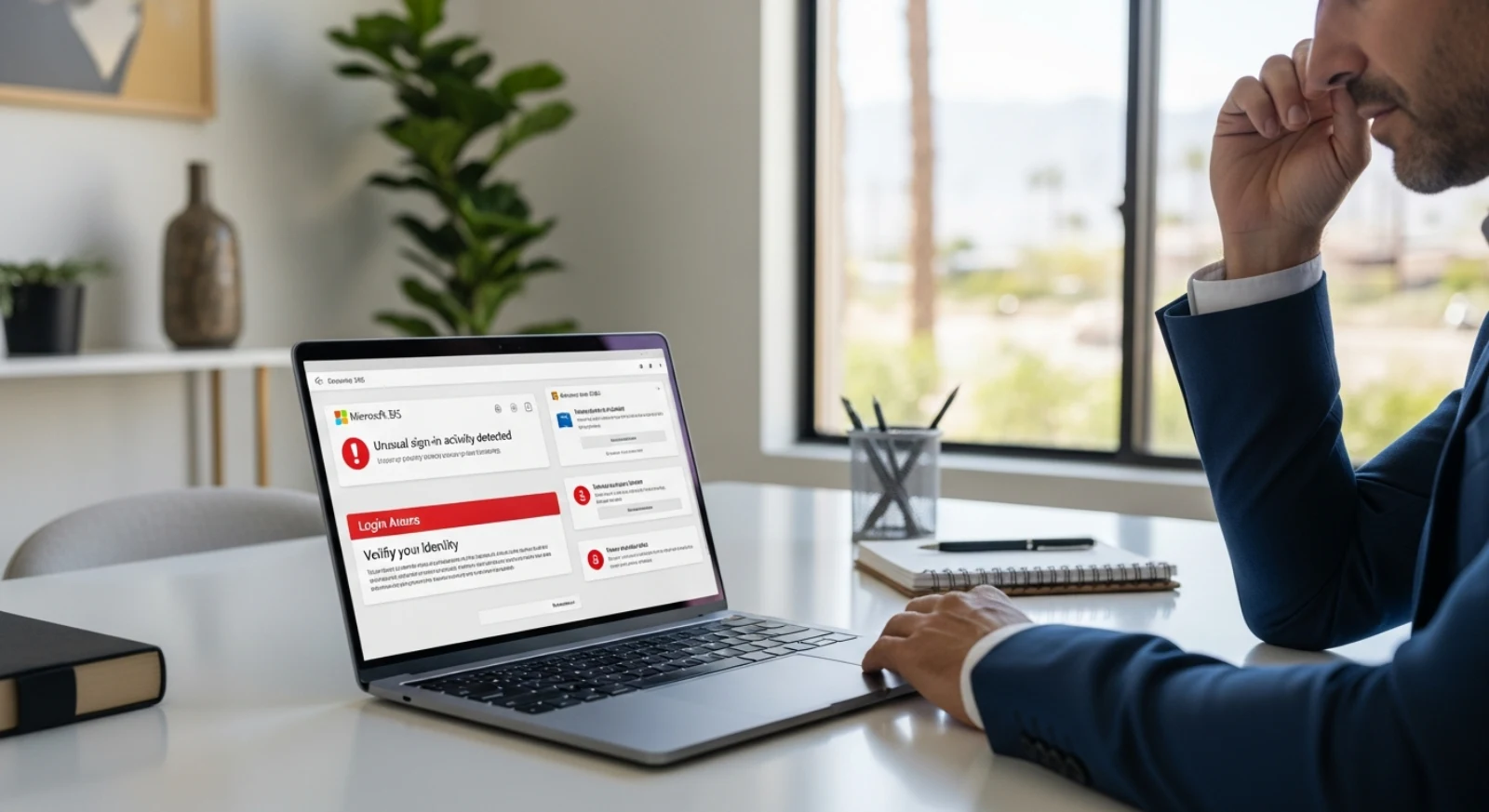
Active attack campaigns targeting Microsoft 365 accounts are surging in July 2026, and they’re not just guessing passwords anymore. According to July threat intelligence from Fortress SRM, attackers are combining automated password-spraying tools like LSHiy with MFA-bypass kits called EvilTokens and Artoken to walk straight through what most small businesses consider their strongest security layer. If you turned on MFA and called it a day, this is the story that should make you reconsider.
The Part That Actually Scared a 30-Year Security Veteran
Matt Disher, president of Southwest Networks and a CISSP- and HCISPP-certified cybersecurity expert, didn’t mince words when our team asked him about these campaigns.
“We run into prospects a lot that still don’t even have MFA enabled let alone any additional security for when it is bypassed, so this scared me more than any other stat I have heard in a while.”, Matt Disher, CISSP, HCISPP
That reaction should mean something. Matt has been managing Microsoft 365 environments and advising businesses on cybersecurity for decades. When someone with that background says a threat scared him, it’s worth slowing down and understanding why.
Most small businesses treated MFA as a finish line. These campaigns prove it was never even the halfway point.
What a Real Attack Actually Looks Like Inside Your M365 Tenant
The technical names in the headlines, LSHiy, EvilTokens, Artoken, make this sound like a problem for enterprise security teams with six-figure tool budgets. It’s not. This is happening to businesses with 10 employees just as easily as businesses with 1,000.
According to Matt, the attack typically unfolds in two stages. First, attackers run lists of common passwords alongside credential dumps purchased from the dark web, real passwords from previous breaches that people reuse across accounts. AI-assisted automation cycles through those credentials at scale, testing them against your Microsoft 365 login without triggering obvious lockouts.
If the password matches, the attacker hits your MFA prompt. And this is where the second stage gets uncomfortable: they don’t have to break MFA. They just have to wait you out.
“Users get what’s called MFA fatigue where they finally give in and say they accept the request as it keeps prompting them over and over again,” Matt explained.
Push one request. Wait. Push another. Most people, especially in the middle of a busy workday, eventually tap “approve” just to make the notification stop. At that moment the attacker has a valid authenticated session inside your Microsoft 365 tenant, and without active alerting, nobody knows it happened.
What do they have access to? Everything tied to that account. Email, calendar, contacts, SharePoint files, Teams conversations, OneDrive documents. For a healthcare practice, that’s patient records and protected health information. For a CPA firm, that’s client financial data, tax returns, and bank account details. For any small business, that’s potentially years of proprietary data, vendor relationships, and internal communications.
The Verizon Data Breach Investigations Report has consistently found that compromised credentials are among the leading causes of breaches year after year. These campaigns are a textbook example of why.
The Business Risk Nobody in the Tech Press Is Spelling Out
Most coverage of these campaigns focuses on the tools and techniques. Matt’s concern goes somewhere more fundamental.
In his view, the real issue is that email is the gateway into your business, and into every business you work with. “For medical that means patient data, for CPAs that could be client financials get put at risk, and for any small business that has an attack where years and years of data is lost, it can be unrecoverable,” he told our team.
That word, unrecoverable, deserves to sit there for a second.
This isn’t just a compliance conversation, though the compliance stakes are significant. Healthcare businesses that experience unauthorized access to patient data face HIPAA breach notification requirements, potential investigations, and fines that can reach $1.5 million per violation category per year. CPA firms sit on client data that, if exposed, creates both legal liability and the kind of trust damage that ends client relationships permanently.
Beyond the regulatory exposure, there’s a simpler and scarier reality: if an attacker spends weeks inside your email environment before anyone notices, reading your conversations, learning your billing processes, understanding your vendor relationships, the damage they can do with that access goes far beyond what you can see on a log report after the fact.
What to Actually Ask Your IT Person Right Now
If your IT provider or internal tech person has told you “don’t worry, we have MFA enabled,” Matt’s advice is to push back with specific questions. Not to be difficult, but because you deserve a specific answer.
Ask them:
What type of MFA are we using? Not all MFA is equal. SMS-based authentication, where a code is texted to your phone, is no longer considered secure by most cybersecurity standards. Authenticator apps are better. Hardware keys are better still. If your IT person says “we use text message codes,” that’s a problem worth addressing immediately.
What alerting do we have in place, and who gets notified if a password spray attack starts happening? This is the question Matt says most small businesses can’t answer, because most have no alerting in place at all. If nobody is watching for suspicious login patterns, an attack can run for days or weeks before anyone notices. CISA’s cybersecurity best practices emphasize active monitoring as a core control for exactly this reason.
If your IT person can’t answer both of those questions clearly and specifically, that’s not a technology problem. It’s a visibility problem.
FAQ
Isn’t MFA supposed to protect me from this kind of attack?
MFA raises the bar significantly, and you should absolutely have it enabled. But it’s no longer a complete defense on its own. Tools like EvilTokens and Artoken are specifically designed to capture authentication tokens after MFA is approved, giving attackers a valid session without needing your password or your MFA code going forward. MFA fatigue attacks exploit the human side of the equation by flooding users with approval requests until someone clicks accept. MFA is a necessary layer, not a finished security posture.
How would I even know if my Microsoft 365 account had been compromised?
Without active monitoring and alerting, you probably wouldn’t, at least not right away. Attackers who gain access often move slowly and quietly, reading email, setting forwarding rules, or gathering information before doing anything visible. Signs to watch for include unexpected password reset emails, logins from unfamiliar locations or devices in your M365 audit logs, inbox rules you didn’t create, or unusual email forwarding settings. Most small businesses don’t have anyone reviewing those logs regularly, which is exactly why managed security monitoring matters.
What does a realistic security stack look like for a small medical practice or CPA firm?
Matt’s guidance is that the right level of security should be based on your specific risk profile, but the foundation should include multiple layers of protection at both the endpoint level (your computers and devices) and the cloud/Microsoft 365 level, with a high level of monitoring built in. For most small businesses in the 10–30 employee range, that runs between $150 and $350 per device per month. That range varies based on the specific tools and service level, but it’s the realistic starting point for coverage that actually addresses today’s threat landscape.
Should I be more concerned if we’re in healthcare or financial services?
Yes, not because the attacks are different, but because the consequences of a successful breach are more severe. Healthcare practices are subject to HIPAA breach notification and enforcement, and CPA firms handling client financial data carry both legal and fiduciary exposure. That said, any small business storing years of operational data, client relationships, or vendor communications has something worth protecting, and something an attacker can monetize.
What to Do This Week
Don’t wait for your annual IT review to address this. Here’s what to do right now:
Audit your MFA settings. Log into your Microsoft 365 admin center and confirm what authentication methods are enabled. If SMS text codes are your only option, upgrade to an authenticator app or hardware key.
Ask about alerting. Find out whether anyone is actively monitoring your M365 environment for suspicious login patterns, unusual access locations, or repeated failed authentication attempts. If the answer is no, or you don’t know, that’s the gap to close first.
Review your inbox rules. Log into Outlook on the web and check your inbox rules for anything you didn’t create. Attackers frequently set up forwarding rules as one of the first things they do after gaining access.
Have an honest conversation with your IT provider. Ask them specifically how they would know if a password-spraying campaign was targeting your organization right now. If they can’t give you a clear answer, that’s the conversation that leads to better security, or a better provider.