
Video
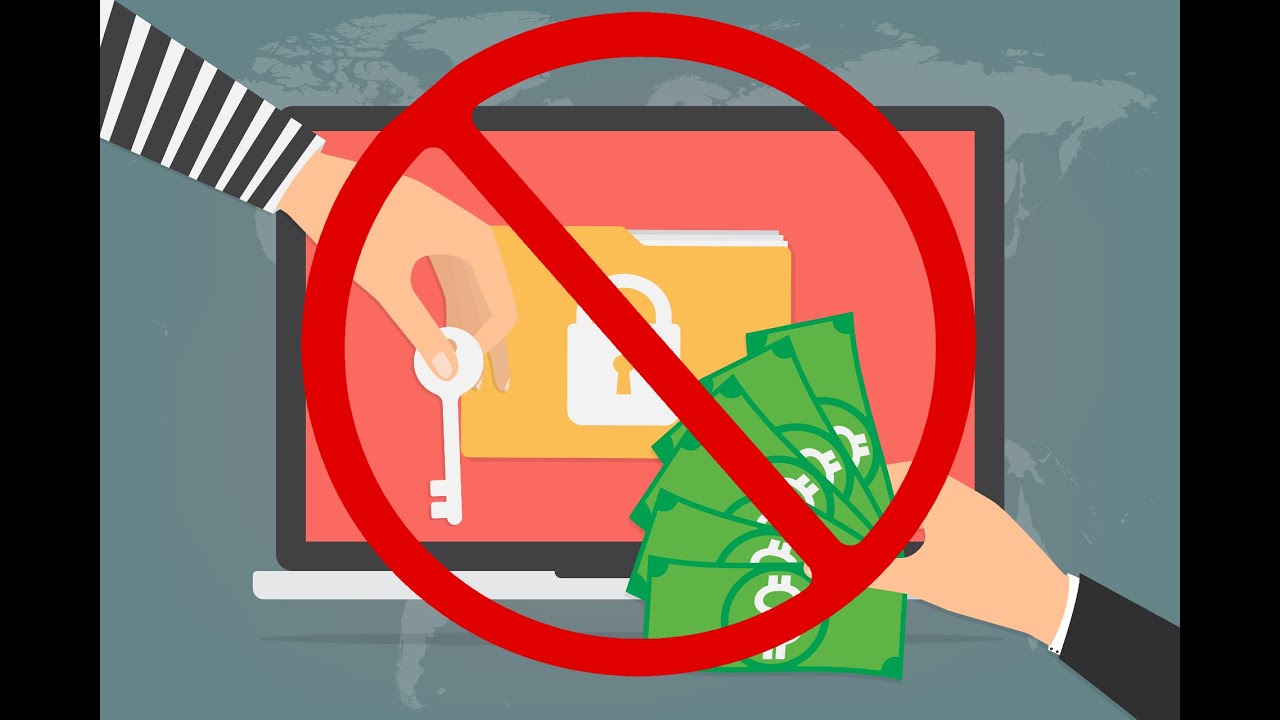
Don't Pay The Ransom
Published December 21, 2023
About This Video
Don't Pay The Ransom
Episode 52 of Cappuccino Chat from Southwest Networks, Inc. in Palm Desert, California
https://www.southwest-networks.com
https://www.southwest-networks.com/cappchat
Southwest Networks, Inc.
73-700 Dinah Shore Drive, Suite 404
Palm Desert, CA 92211
760-770-5200
#inlandempire
#palmdesert
#itsupport
#Southwest-Networks.com
Full Transcript
Auto-generated from the video's captions. Minor transcription errors may exist.
welcome back to another episode of cappuccino chat this time I'm going to go over why you never want to pay the ransom all right so this time we're going over why you never want to pay the ransom if you were ever to get one or even if a friend of yours gets one kind of help them walk through this process now not paying the ransom is the absolute right thing to do and there's a number of reasons for that one there's no guarantee you're ever going to get your data back even if you pay the ransom two they're going to see you as someone willing to pay the ransom so they're going to try to attack you or let other gangs know to attack you because you're willing to pay so you never want to do that um and according to datab breaches Donnet something new that happened is the alpar ransomware gang um actually breached a Company Meridian link and stole some company data now they asked for payment well when Meridian didn't pay the ransom the gang actually decided to turn them into the US uh Security and Exchange commissions because they fall under their rules and they have to report when there is a breach and they were able to prove that they did in fact have some of their data so now not paying the ransom is becoming an issue so we really want to protect ourselves from being in that spot in the first place because even if you do have a great backup and you can restore your data and you're not worried about it they can still turn you in they can call the newspapers they can call your clients if they've stolen that data and let them know that they've actually got their data so basically they're going to rat you out because you didn't pay them so we never want to be put in this position in the first place so what are some things that happens if you do get put in that position well first off you need to contact your cyber insurance provider provider and hopefully you have one of those hopefully you have cyber Insurance because they're going to dictate how things go and what order of things they go in so now after you talk to them you'll also want to talk to your corporate attorney so that they can help you with any PR and things of that nature again the Cyber insurance provider will tell your it provider what they want to do and how they want this to go down they may send in a full uh analysis team and make you get that um so that they can determine what happened and how um they may uh just want some of the machines kept offline so they can go through those it all varies depend upon what happened and the severity of what happened so it's not like if you get a ransom your it guy can just start rebuilding and restoring data you don't want to do that um you especially if you're going to be filing a claim to your cyber insurance provider first thing do reach out to them they'll tell you what to do that being said that means you could be down for days weeks months as far as that equipment is concerned so you may be forced to buy new equipment while that other equipment is kept offline for this analysis team per your cyber insurance provider now again the best thing to do is not be put in this position in the first place yes it costs money but it costs far less money than having to go through all this hassle being down having to tell clients you know hey sorry we can't do anything right now we had a cyber breach um you know give us some time they may go somewhere else to find somebody else and especially if what kind of data you were storing for them they may no longer feel comfortable with you and may leave you for one of your competitors if your competitors find out this happened they're probably going to take advantage of it and try to reach out to anybody that they know is one of your your clients or just reach out and send out Mass mailers or emails to everybody in hopes of finding some of your clients so we want to add multiple layers of protection to our business networks and even to our personal networks the more we can stop before it even comes into the building you know leave it on the internet the better off we are so we got to have that layer at the firewall and out to the Internet so that could be the best one I can recommend is cyber awareness training for your employees so that they don't click on anything download anything um open attachments and those things to bring that information down into your network so that's the first thing is start with the human layer and get them trained and it's a constant training it's not a once a year it's not a oneandone thing I recommend at least quarterly on the Cyber awareness training because again if our employees don't do something to possibly put us in harm we'll never be put in that position because again these hackers aren't necessarily going to wake up and try to break into you what they're going to do is send out mass emails Mass things in h somebody will let them know hey I'm here and I'm willing to click on this for you or open this for you and be a Target then you're going to draw attention to yourself right so we don't want to draw that attention to yourself by adding layers we can make make it harder and harder on them because again they don't want to spend a lot of time hacking into you they want to get in get your stuff get paid and get out and get on to the next one if we can make it harder on them they will more than likely give up and go somewhere else so again we want to stop things outside we want to have things like two Factor authentication definitely on our email because 99% of the attacks happen via email anything you do in the cloud your banking account HR payroll if you're running applications or servers in the cloud all of those things should have two-factor authentication on it and that's where you e use an app on your phone or it'll send you a text those types of devices are what you need to enable so that you can get that two-factor authentication going for those applications very very important the benefit of being in the cloud and having those things in the cloud is you can get to it from anywhere the bad news is anybody can get to it from anywhere all right so we got to put that protection on there um any kind of anti-spam anti- fishing technology that's out there to try to limit the amount of that spam email those fishing attempts where they try to get your employees and you to log into websites like Microsoft like your bank so on and so forth if we can stop those again from ever coming to your inbox coming in the building the better protected you are now we also want to make sure you have that business class firewall you can't just go use a home router or uh something cheap you pick up at Best Buy and those kinds of things right you want to have web filtering maybe some um protect other protections on there blocking stuff VPN if you need to remote into your office definitely want VPN you don't want to open up ports directly to your computers on the inside of the network you also want to be careful of things like using go to my piece see um Team Viewer and those things without the added protections of like two Factor authentication and such because those some of those Services have been breached and hacked themselves and they can get your information by attacking those people um you also want to um add extra layers on the devices themselves our clients know that we provide multiple layers of protection on the end points you want to have a NextGen antivir us not just a simple antivirus you want to have maybe an EDR which is an mpoint detection response or an MDR which is a managed version of that same protection levels where they go a step further and will actually mitigate things automatically for you so those are some things um we're also doing um encryption so you might want to encrypt the hard drives uh and in certain industries you are forced to by law to encrypt your devices uh that way if they're ever lost stolen and those types of things the reporting is much different you don't necessarily have to uh make a big deal of it if you will um zero trust is Big so we want to start making sure we can trust what's going on on all the devices so yes your employee is trusted but again if they click on something download something it may try to install an application that you're not even aware of that's not legit so if we can come up with application wh listing zero trust we say hey these applications are okay to run on our network but anything else is not well if an employee is going to a legitimate website and they've been breached it tries to install something it'll be stopped because of that zero trust if uh they click on a link or download an attachment and do something again if it's trying to install something it will be stopped because it is not on that approved list you also want to make sure when it comes that zero trust that you don't allow applications that don't really have a good reason to talk to each other to talk to each other so Outlook is good some built-in Windows programs are good but they don't need to necessarily talk to each other so again that's what that zero trust is about assume everything is bad and only unlock the pieces that you need to do your business you also might want to look into a 247 managed sock Security operation Center this is where they're constantly monitoring things 247 365 for all your various devices depending upon your IT services they may only be watching and re receiving those real-time alerts Monday through Friday 8 to 5 kind of stuff when there's a a human being there using these other services in conjunction with your it service provider and by from them they can be alerted after hours and take action on your behalf for you because these manage socks are watching and alerting real time logs of various devices and things going on right so it's all about your level of risk what kind of industry you're in what kind of data you're storing how long you can be down for but what we don't want to do is be put in the situation of getting ransomware and if we are you definitely don't want to pay it remember make sure you have that cyber insurance they can help you with that walk you through things and make sure that you have the correct Protections in place if you need any help with any of what I just went over I know it's a lot please reach out to us at 76077 5200 thank you


