
Video
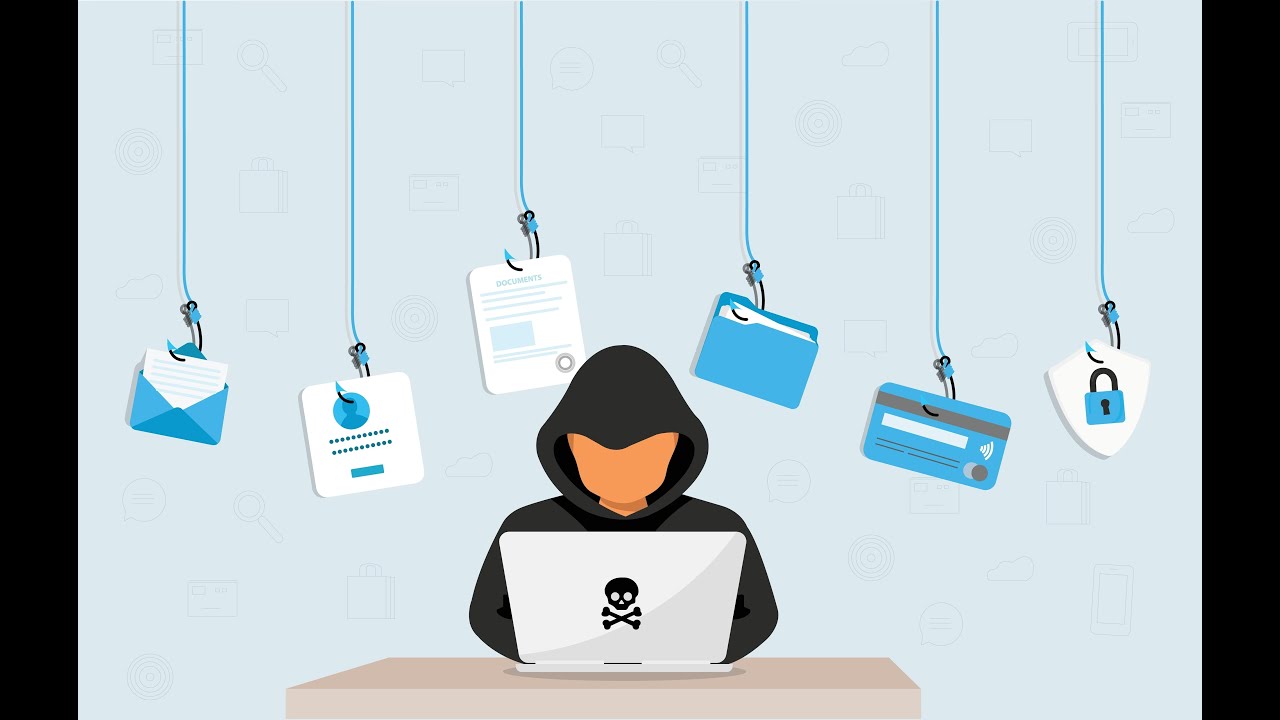
Phishing Attacks Are On The Rise - Protect Yourself
Published October 21, 2024
About This Video
Phishing Attacks Are On The Rise - Protect Yourself
In this video I go over the 50% increase in Phishing attacks and some things you can do to protect yourself and your business.
Episode 62 of Cappuccino Chat from Southwest Networks, Inc. in Palm Desert, California
https://www.southwest-networks.com
https://www.southwest-networks.com/cappchat
Southwest Networks, Inc.
73-700 Dinah Shore Drive, Suite 404
Palm Desert, CA 92211
760-770-5200
#inlandempire
#palmdesert
#itsupport
#Southwest-Networks.com
#microsoft365business
#phishingprotection
#phishingawareness
Full Transcript
Auto-generated from the video's captions. Minor transcription errors may exist.
welcome back to another episode of cappuccino chat this time we're talking about how fishing attacks are on the rise and how to protect yourself all right so this time we're talking about fishing attacks which we've all heard about but they're on the rise so we need to do more to protect ourselves in quarter 1 of 2024 this year we've had 963000 fishing attacks confirmed now that's a 50% incre increase in attacks so we need to do a better job of making sure that we're protected so that these attacks are not successful so why does this keep happening well attackers are using more AI so some of the old telltale signs of a fishing attack of bad spelling bad punctuation those types of things aren't there as much anymore and they're starting to look better and better uh email crafting and things of that nature so that it's harder and harder to detect unless you use additional methods which we're going to get into to help protect yourself so again the old way of just looking for bad ways of uh spelling punctuation um bad links and things of that nature aren't there like they used to be they've really really gotten much better due to AI so now um some of this stuff now is even passing your information through to legitimate websites let's give me give you an example here let's say you get a fishing email that's Office 365 related so like teams uh one drive email that kind of stuff what they're doing is having you click a link that makes it look like you're being prompted for your username credentials and even your tofa code all right so we got that tofa enabled which everybody needs to have that done that's for sure um but it's getting that information and prompting you for it and passing it through to the legitimate Microsoft website so that when you log in it's legitimately your Office 365 so it looks like nothing is wrong but they've now captured your username password and your MFA code now those MFA codes are only good for 30 seconds but in that time frame they can piggyback and lo in with that same code just like you did and then get into your email they're not then they're in there for 14 days before it repr prompts them at that point they can set up different rules do different things grab contacts start setting up things or even set up an additional TFA authentication method being their own phone or SMS or authenticator app and they can get in there and yes that has happened I uh we have somebody who had that happen to them so we need to set up additional protections to make sure that this kind of stuff doesn't happen so how can we do a better job number one big one consistent and enforced cyber awareness training what I mean by enforced is somebody higher up needs to make sure that everybody is doing their quarterly training this is to help everybody be able to spot these things look for these different fishing attacks and be aware what's going on for all these different attack factors so again we still want to look for hey yes I'm used to getting an email from this person but it doesn't sound like that person right so again if you ever get an email from me and it's asking you to take a look at this funny cat video I'm telling you right now guaranteed the email didn't come from me so you need to look at things even if you're used to seeing an invoice from a client um but now they're asking you to change banking records don't just take it on face value you know pick up the phone these kinds of things and this kind of training is what you need to set up inside your organization and have that policy and procedure set up so that they know how to handle certain things cyber awareness training is a big one that we offer to our clients and uh highly highly recommended number two only allow people to log in from specific locations and we can set up some additional rules with that so um we can set it up with certain mic Microsoft licensing so that you can only log into Office 365 without being prompted every time for tofa on your device um from specific IP addresses so to make it better for your um employees to log in we can set up conditional access rules to basically trust that login but we can also say only allow the setup of that TFA code from your IP address so again if even if they do get passed through they will not be able to set up an additional MFA uh and get in anytime they want as often as they want because it can only be done from your physical location your internet connection at your main office so this is very helpful for stopping those types of attacks now we want to layer in the security there so again um different condition access rules don't allow login from foreign countries uh only do the TFA um from you know your office don't only allow registration from your office those types of things but we want to make sure that we can uh alert different things so there's different rules and alerting that can be set up when things get set up so once cyber security is implemented and set up it's not a forever issue we have to constantly be training in our employees one employees sometimes come and go so we got to retrain um the old saying I think it used to be somebody has to do something at least seven times eight time whatever the studies are they they always change of course but you have to do something consistently or be aware of something consistently before it becomes muscle memory so again we need to constantly train our employees to be on the lookout for these new types of attacks be aware of our procedures don't just send people gift cards don't change bank routing information for vendors and clients that you use for depositing and receiving money those kinds of things without checks and balances two people have to be involved all sorts of different things you can do but do due diligence in protecting from fishing it is still the number one way people get into your organization once they get into your email they can get access to other things not only in your company but now they can use your emails your contact list to sprad spr to your clients and it just perpetuates the situation and further spreads so make sure you're doing your due diligence when it comes to this stuff got to start training employees consistently and enforcing it making sure that MFA 2fa codes are set up and rules in are in place to make sure that it's always done a certain way not forgotten a brand new employee set up their account two two three weeks later they finally came on board forgot the set up to 2A nope with the proper licensing from Microsoft 365 it's an automatic every account no matter what account it is is set up the same way it's enforced even if they've never set up the TFA code before so if you have any questions on any of this if you're worried that your employees might be clicking on something opening attachments and they shouldn't and they should know better please reach out to us so we can talk to you about setting up a good cyber awareness training and help you properly configure Office 365 and any other email clients you might have as always any questions again call us 76077 52000


